I’d like to make a table of contents in a SWISH notebook. My problem is that I wasn’t able to make an internal link with either markdown or HTML (did not try javascript hacks). All my attempts open the link in a new tab. Is it possible to link to a cell in the same page ?
As one of the many Markdown variations, you add a anchor to a title using
# Hello world {#hello}
Now you can link using [see hello](#hello). Only, a quick test shows that this does not jump to the location on the notebook, but reloads swish Even if this would work there could be problems linking between different markdown cells.
Possibly it would be better to introduce some mechanism to add a TOC. Anyone?
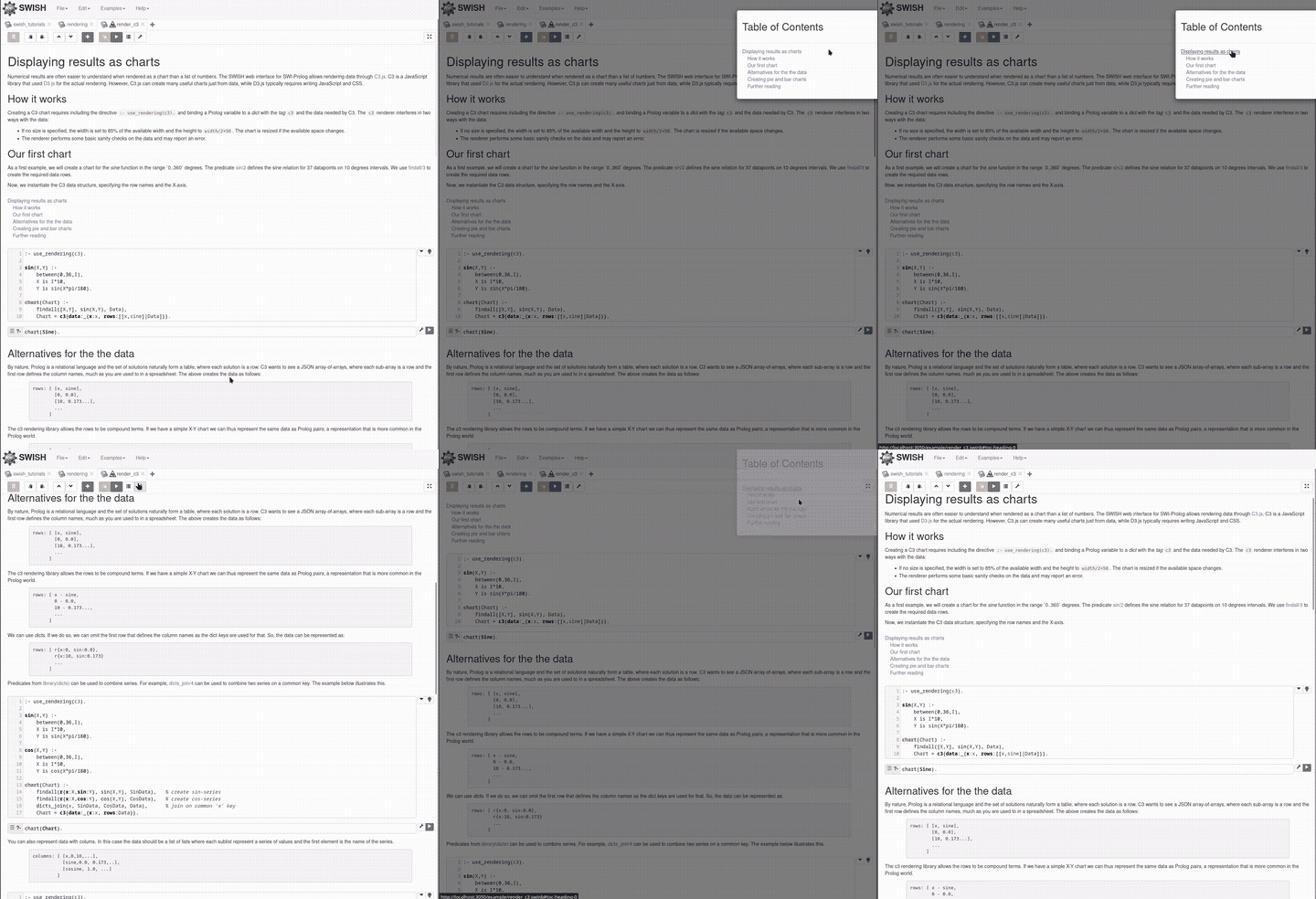
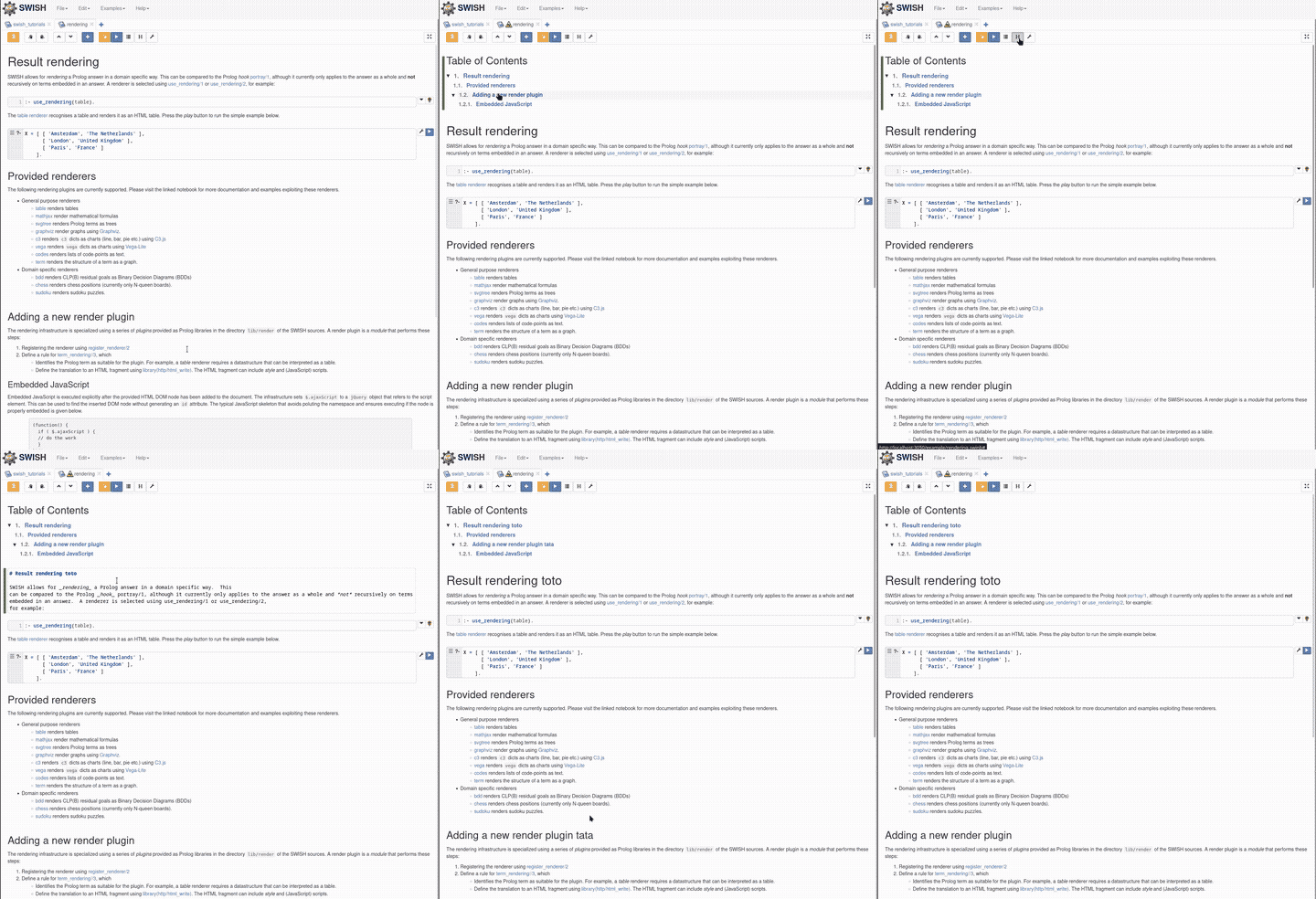
I got a bit carried away with llm coding (turns out they are quite good at javascript ^^) and I manage to implement a TOC html cell:
Implementing this involved:
changing how ref with # are interpreted (smooth scrolling instead of opening a new page)
insert a new html cell at the top of the document (or replace it if already present)
make the TOC pretty with full line highlighting, numbering, collapsible section
automatic update of the TOC every time a markdown cell is rendered
What do you think ? @Rscho314 do you prefer the TOC in a modal or inside a cell like this ?
In my opinion:
the html cell TOC is pretty and is very “document” like but is more complicated in the implementation. Another drawback is that it can only be accessed at the beginning of the document
the modal TOC is very simple to implement, accessible everwhere in the notebook, but does not integrate well into the notebook
Thanks, both solutions seem great! I guess the modal one seems more practical, but that’s only my 2 cents and more experienced users might beg to differ. Is your implementation published somewhere ? Are you planning to make a PR yourself ?
 Even if this would work there could be problems linking between different markdown cells.